AI reading
Header and lines extracted from PDF (text or scanned), Excel and TXT.
Solutions · INFORXXI product for Cegid PRIMAVERA
Purchase invoices read by artificial intelligence, checked against the tax QR code and posted into Cegid PRIMAVERA Evolution — creating any missing suppliers, items and batches along the way.
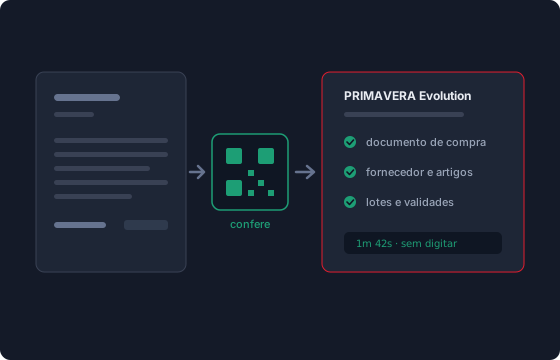
2 min
per invoice of 10 to 15 lines with batches, from PDF to posted document
100 lines
large invoices read in parts, page by page — with no line limit
Tax QR
checks tax number, document number, date and totals; a large discrepancy blocks posting
Before
Typing line by line, checking the VAT, creating the missing item, remembering the batch.
Wrong codes and wrong rates that only surface at month end.
DocFlow
Drop the document in the inbox folder. DocFlow does the rest.
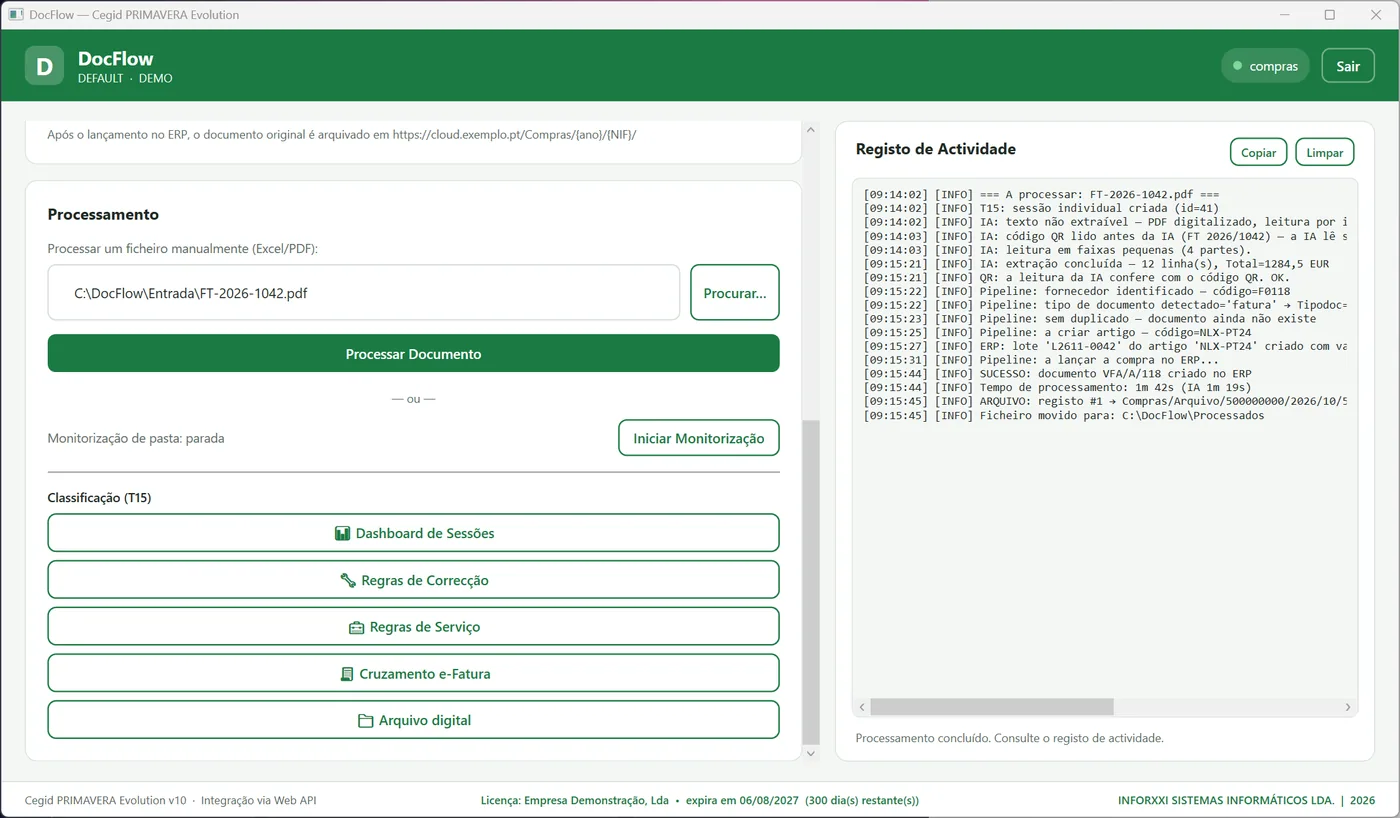
Every step is kept in the activity log, and the QR checks what went in.
Header and lines extracted from PDF (text or scanned), Excel and TXT.
The QR prevails: it corrects parties, number, date and type, and settles small differences by VAT rate.
Purchase document through the Web API, with the type mapped (invoice, order, delivery note) and duplicate checking.
Created when missing, with the defaults you set; services without stock movement.
Batches created in the ERP with the expiry date from the invoice; serial numbers linked to the lines.
On each supplier's first invoice DocFlow memorises the layout; it uses it from then on.
AI reading is very good, but not infallible — especially on scanned documents. So DocFlow does not rely on it alone: every document is checked against the QR code, before and after posting.
The reading matches the QR on parties, number, date and totals by VAT rate.
Header data corrected by the QR. The lines are untouched.
A small difference posted as an adjustment line, with a comment in the ERP.
Adjustments above the limit, cancelled document or credit note: it goes to the errors folder for manual posting.
DocFlow is a Windows application that runs on your workstation and talks to your ERP. INFORXXI's services only handle the reading, the history and the licence.
Windows 10 or 11 and Cegid PRIMAVERA Evolution v10, with the Web API reachable from the workstation.
Want to see DocFlow reading your invoices?
Price on request
Conversations are recorded to improve the service. By sending, you accept our Privacy Policy.