Record or import
Record with the computer microphone or bring recordings from other devices (M4A, MP3, WAV, OGG, FLAC, AAC, WMA).
Solutions · INFORXXI product
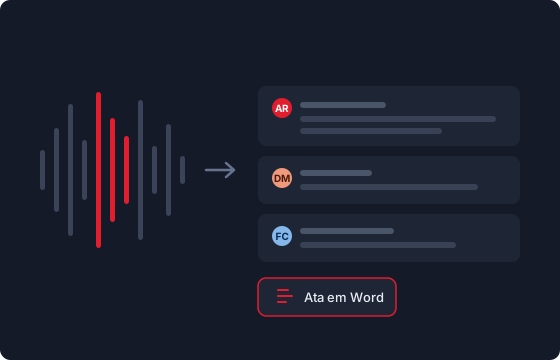
Records the meeting, transcribes it with artificial intelligence, identifies who said what and prepares the minutes — in one simple application, in European Portuguese.
98.7%
of words correct in a test conversation with three people, in Maximum quality mode
3 steps
record, transcribe, generate the minutes — the rest is automatic
100% local
speaker identification and the voice library run only on your computer
Before
Someone takes notes and misses half the conversation.
The minutes take days and by then nobody quite remembers what was said.
INFORXXI Transcriptions
Everyone takes part; the recording captures everything.
The minutes are ready when the meeting ends, with decisions, actions and owners.
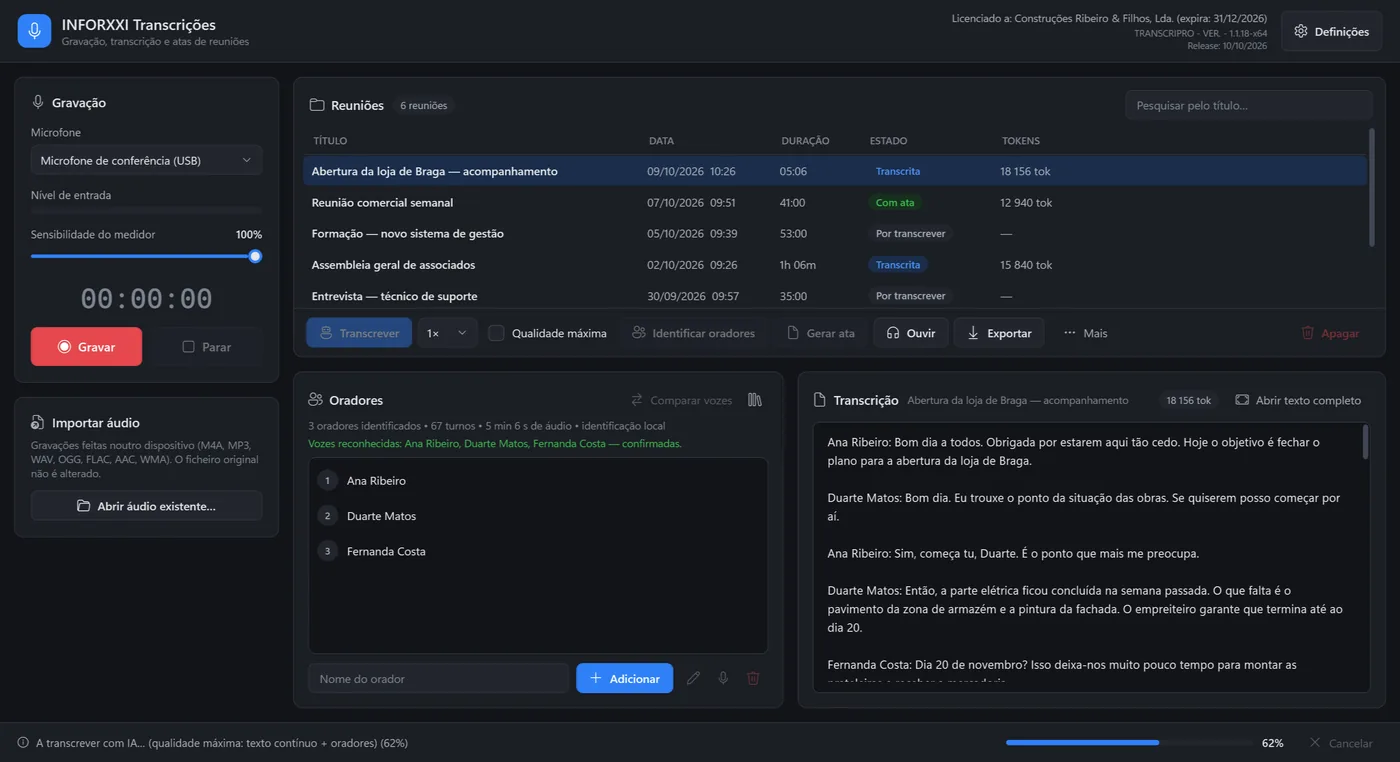
Record with the computer microphone or bring recordings from other devices (M4A, MP3, WAV, OGG, FLAC, AAC, WMA).
The audio is transcribed in European Portuguese, with punctuation and paragraphs.
Identifies speakers and their turns on your computer, without sending the audio anywhere.
Register the voices of regular participants: in later meetings, the names come up by themselves.
Formal minutes from the transcription: summary, topics, decisions, actions and statements by speaker.
Listen with the waveform, see who is speaking and jump to any moment. Correct speakers and text.
Speaker identification and the voice library run on your computer and never leave it. To transcribe and generate minutes, the audio goes to INFORXXI's artificial intelligence service.
Windows 10 or 11 (64-bit). The installer includes everything. Internet to transcribe, generate minutes and validate the licence — recording, listening and speaker identification work offline.
Want to see one of your meetings transcribed?
Price on request
Conversations are recorded to improve the service. By sending, you accept our Privacy Policy.